


- February 13 2026
- Nikias Kray
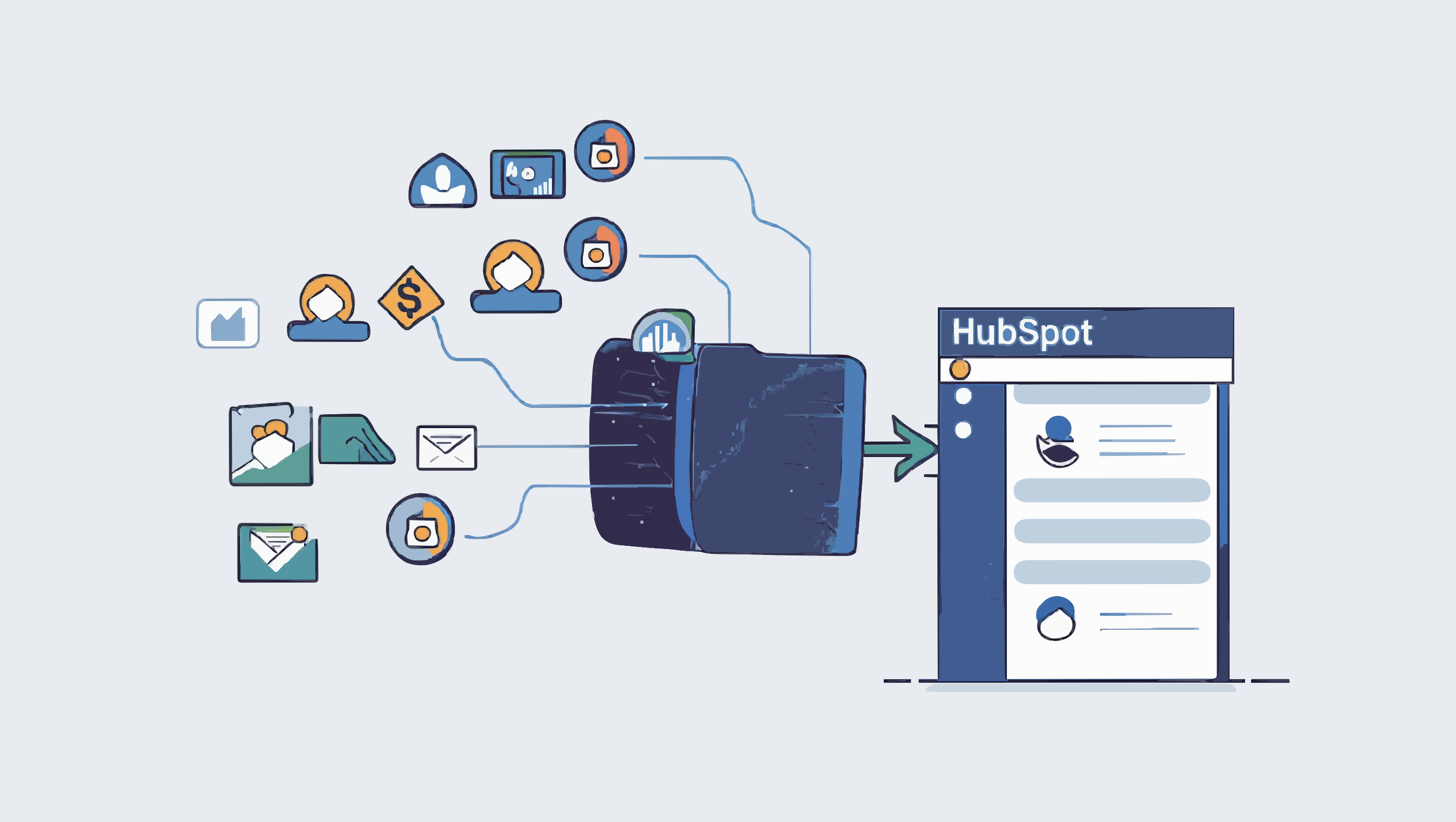
In 2026, the digital marketing landscape has shifted from simple lead generation to complex demand capture and hyper-personalized nurturing. The days of "spray and pray" advertising are long gone. Today, the most powerful revenue engine for B2B and high-ticket B2C companies is the seamless integration of HubSpot Facebook Ads (Meta Ads) and intelligent backend automation.
By connecting the visual reach of Meta with the CRM intelligence of HubSpot, marketers can build a closed-loop system that not only generates demand but nurtures it automatically based on real-time user behavior. Here is how to build the ultimate 2026 funnel.
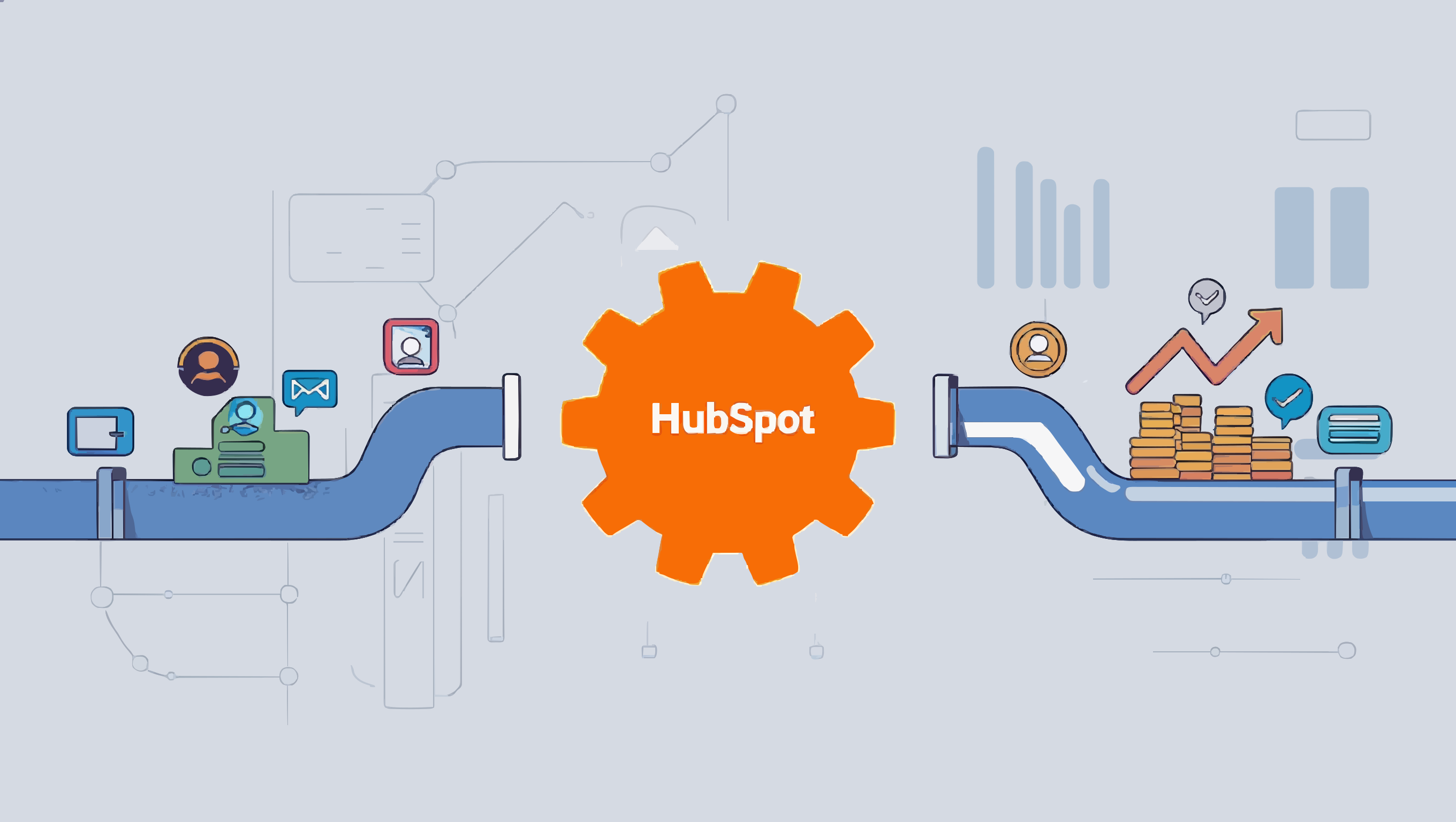
Phase 1: The Demand Layer (Meta Ads)
The top of the funnel in 2026 isn't just about awareness; it's about "intent signaling." Meta’s AI algorithms have evolved to prioritize engagement quality over quantity.
1. Leveraging First-Party Data for Targeting
With third-party cookies fully deprecated, your CRM data is your gold mine. By syncing HubSpot lists directly to Meta, you can create:
● Exclusion Audiences: Stop wasting budget on current customers or unqualified leads.
● Value-Based Lookalikes: Instead of cloning "site visitors," clone your "highest LTV customers" directly from HubSpot deal stages.
2. The "Frictionless" Lead Form
In 2026, sending traffic to a landing page is often a leak in the funnel. Native Meta Lead Forms have become the standard because they auto-fill user data.
● Strategy: Use a "High Intent" lead form on Meta.
● The Integration: When a user hits "Submit," the integration immediately creates a contact in HubSpot, mapping hidden fields like "Ad Set Name" and "Campaign ID" to custom properties. This is the foundation of HubSpot Facebook Ads attribution.
Phase 2: The Handoff (Instant Automation)
Speed to lead is no longer measured in minutes; it is measured in seconds. The moment a lead hits HubSpot, the workflow begins.
1. Lead Scoring & Segmentation
Not all leads are ready to buy. Your HubSpot workflow should immediately analyze the incoming Meta data:
● Job Title/Industry: Does it match your Ideal Customer Profile (ICP)?
● Ad Context: Did they click a "Download Ebook" ad (Top of Funnel) or a "Book Demo" ad (Bottom of Funnel)?
2. The AI-Driven Welcome
Standard auto-responders are obsolete. In 2026, we use AI agents within HubSpot to generate personalized opening emails based on the specific ad creative the user saw.
● Example: If the lead clicked an ad about "AI Automation," the first email references that specific pain point, rather than a generic "Thanks for subscribing."
Phase 3: Meta Ads Lead Nurturing (The Retargeting Loop)
This is where the magic happens. Meta ads lead nurturing is not just about email; it is about surrounding the prospect with relevant content across platforms.
1. The "Unstuck" Campaign
If a lead enters HubSpot but doesn't book a meeting within 3 days, a workflow triggers an update to a specific Meta Custom Audience.
● Action: The user starts seeing "Social Proof" ads (case studies, testimonials) on Instagram and Facebook.
● Goal: To validate the decision and push them back to the calendar booking page.
2. The Deal-Stage Sync
As the prospect moves through the HubSpot pipeline (e.g., from "Lead" to "Opportunity"), the ads they see should change automatically.
● Lead Stage: Educational content and problem-solving videos.
● Opportunity Stage: Competitor comparison charts and ROI calculators.
● Customer Stage: Upsell offers and referral bonuses.
Phase 4: Revenue Attribution
Finally, the integration allows for true ROI calculation. Because HubSpot captures and campaign data, you can see exactly which dollar spent on Meta resulted in closed-won revenue.
By 2026 standards, if your ad spend isn't talking to your CRM, you aren't marketing you're gambling. The combination of HubSpot Facebook Ads data and automated Meta ads lead nurturing creates a self-optimizing machine that lowers customer acquisition costs and increases lifetime value.
Phase 5: The "Offline Conversion" Feedback Loop
The biggest mistake marketers made in the early 2020s was optimizing for "Leads." In 2026, we optimize for "Revenue." This play trains Meta’s AI to find people who actually buy, not just people who fill out forms.
● The Setup:
1. HubSpot: A deal moves to "Closed Won" in your pipeline.
2. The Trigger: This status change fires a "Conversion Event" back to Meta via the Conversions API (CAPI).
3. The Value: You pass the actual deal value (e.g., $5,000) back to Meta.
● The Result: Meta’s algorithm stops looking for cheap leads and starts looking for users with similar profiles to your $5k buyers. This is the pinnacle of HubSpot Facebook Ads optimization.
Phase 6: The "Ghost" Re-Engagement Sequence
Email open rates continue to fluctuate due to strict spam filters. When a high-value prospect stops opening your emails, you don't spam them; you switch channels.
● The Workflow:
1. Trigger: A lead in HubSpot has an "Last Marketing Email Open Date" of > 30 days ago AND a Lead Score > 50.
2. Action: HubSpot automatically adds this contact to a static list called "Dormant High-Value."
3. Meta Sync: This list syncs to a Custom Audience in Meta.
4. The Creative: The user sees a "Pattern Interrupt" ad on Instagram Reels—something casual and human (e.g., a founder video) rather than a polished corporate graphic.
● Why it works: This is Meta ads lead nurturing at its finest—using paid media to revive dead email leads without burning your domain reputation.
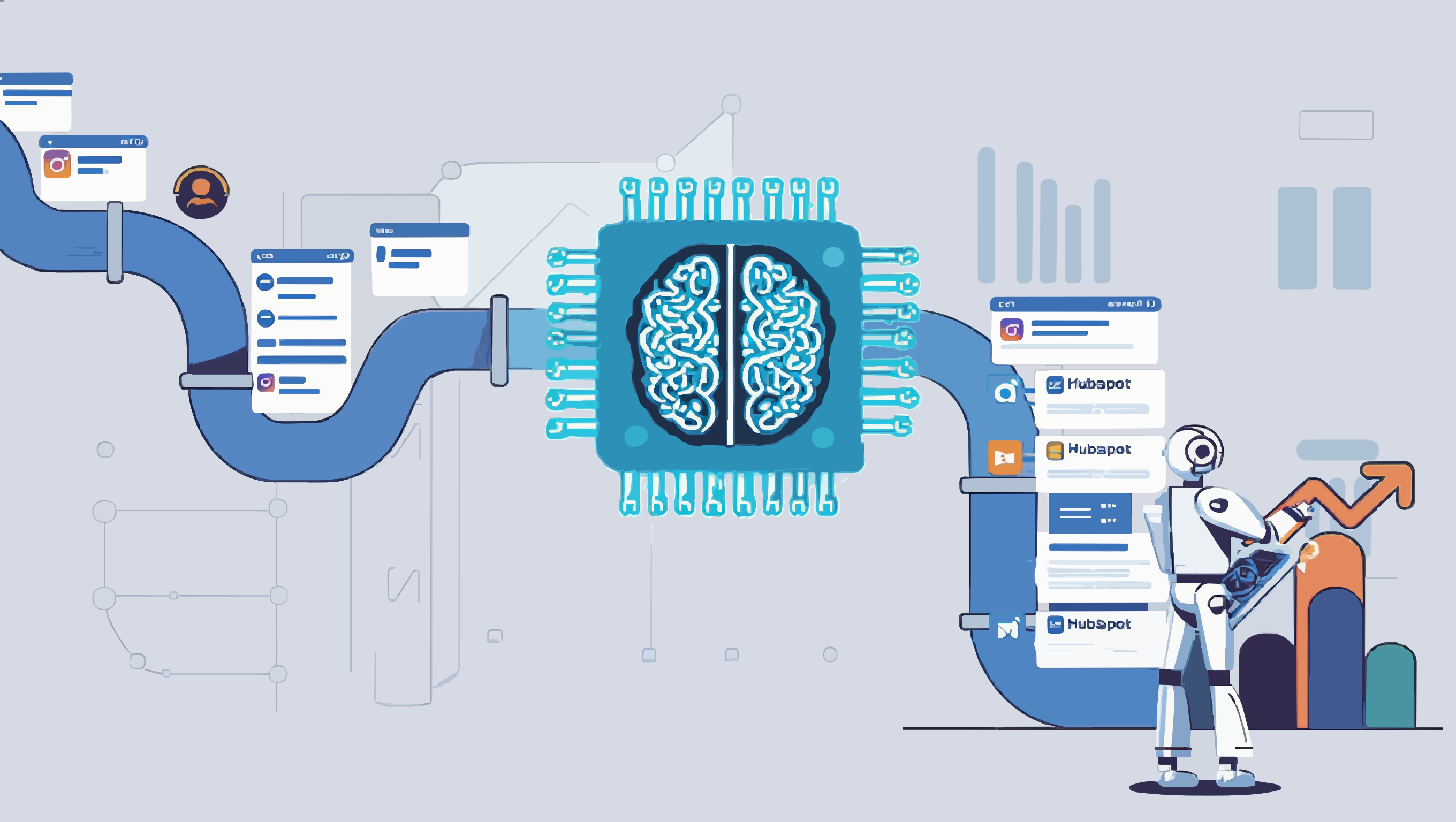
Phase 7: The "Content Binge" Accelerator
In 2026, B2B buyers often consume 80% of content before talking to sales. This play accelerates that consumption.
● The Workflow:
1. Trigger: A user downloads a PDF Lead Magnet via a Meta Lead Form.
2. HubSpot Action: Instead of just sending the PDF, HubSpot sends a "Thank You" email and adds them to a "Video Nurture" audience on Meta.
3. The Ad Sequence: Over the next 5 days, the user sees 3 specific video ads in a sequence:
■ Day 1-2: The "Problem Agitation" video.
■ Day 3-4: The "Solution Mechanism" video.
■ Day 5: The "Social Proof/Case Study" video.
● The Result: By the time sales calls the lead on Day 6, the prospect feels like they know the brand intimately.
The 2026 Metrics Dashboard
To track this effectively, your reporting dashboard needs to evolve beyond CPC (Cost Per Click). You should be tracking:
- Pipeline Velocity: Does Meta ads lead nurturing speed up the time from "Lead" to "Opportunity"?
- Match Rate: What percentage of your HubSpot contacts are successfully matching to Meta accounts? (Aim for >60%).
- ROAS (Return on Ad Spend) by Lifecycle Stage: Don't just measure immediate sales. Measure the cost to acquire a "Marketing Qualified Lead" (MQL) vs. a "Sales Qualified Lead" (SQL).
FAQ: Meta Ads + HubSpot Integration
Q1: Do I need HubSpot–Meta Ads integration if my ad budget is small?
A: Yes—especially with a limited budget. Integration helps you exclude existing customers and unqualified leads, often saving 15–30% of spend immediately. Plus, HubSpot follow-up automation can improve lead-to-sale conversion without adding more sales headcount.
Q2: How quickly can I set up a basic HubSpot Facebook Ads integration?
A: The technical setup typically takes 30–60 minutes:
- Connect your Meta Ads account to HubSpot (via the native connector)
- Set up Custom Audience syncing
- Build the first workflow to process new leads
A full strategy (segmentation, lead scoring, multi-stage nurturing) usually takes 2–3 weeks to plan, implement, and test.
Q3: What is Conversions API (CAPI) and why does it matter in 2026?
A: Conversions API is a server-side integration that sends conversion data directly from your CRM (HubSpot) to Meta, bypassing the user’s browser.
Accuracy: Less impacted by ad blockers and iOS privacy limitations- Optimization: Meta learns from real revenue events, not just leads
- Attribution: You can track the full journey from ad click to closed deal
Q4: What’s the minimum data volume needed for Lookalike Audiences from HubSpot?
A: Meta generally recommends at least 100–500 people in the source audience for a decent Lookalike. For B2B and high-ticket offers, it’s better to aim for:
- 1,000+ contacts for lead-based Lookalikes
- 100–300 customers for Value-Based Lookalikes (based on closed-won deals and LTV)
If you have limited data, start with Engagement Custom Audiences first.
Q5: How often does HubSpot sync data with Meta?
- Custom Audiences: typically refresh every 30–60 minutes
- Offline Conversions (via CAPI): near real-time (usually seconds after a workflow trigger)
- Lead Ads (Meta lead forms): usually appear in HubSpot almost instantly (~1–5 seconds)
Q6: Can this strategy work for e-commerce, or is it only for B2B?
A: It works for both—just with different emphasis.
For B2B (longer sales cycles):
- Heavy focus on email + retargeting nurture
- Multi-step workflows and lead scoring
- Optimize to Opportunity and Closed Won
For e-commerce (shorter cycles):
- Focus on Dynamic Product Ads and catalogs
- Fast workflows (abandoned cart, post-purchase upsell)
- Optimize to Purchase and pass order value via CAPI
Q7: What should I do if my Match Rate is low (<40%)?
A: A low Match Rate means Meta can’t reliably match your HubSpot contacts to Facebook/Instagram user profiles.
Fixes:
- Improve data quality: Ensure email, phone, first/last name are captured (more identifiers = better match)
- Use correct formatting: e.g., phone numbers with country code; HubSpot hashes data automatically, but formatting still matters
- Increase audience size: Audiences under 1,000 often match poorly
- Use Pixel + CAPI together: The combo typically outperforms CAPI alone
Q8: Do I need technical skills to set this up?
A: Basic integration can be done without coding—HubSpot provides a native connector and visual workflows.
You can usually do yourself:
- Account connection
- Custom Audience syncing
- Simple workflows (welcome email, basic scoring)
You’ll likely need a specialist for:
- Advanced CAPI setups with deal value passed back
- Complex attribution models
- Additional integrations (Zapier, webhooks, data warehouses)
Q9: How do I measure ROI from this integration?
A: Track these HubSpot metrics pre- and post-integration:
- Cost Per Lead (CPL): often drops 20–40% via better exclusions/audiences
- Lead-to-Customer Rate: can increase 15–30% with better nurture
- Sales Cycle Length: may shrink 10–25% due to faster education/trust
- Customer Acquisition Cost (CAC): can drop 25–50% when optimizing on revenue
Use HubSpot attribution reporting to understand how Meta touchpoints contribute to closed-won deals.
Q10: What if my Meta Lead Form leads are low quality?
A: Common issue—here are the best fixes:
- Add qualifying questions: e.g., company size, budget (avoid too many fields—conversion rate drops)
- Use “Higher Intent” forms: Adds an extra confirmation step to reduce low-intent submissions
- Score and filter in HubSpot: Automatically route only qualified leads to sales
- Test creatives: Sometimes the ad attracts the wrong audience, not the form
Q11: Can I integrate HubSpot with Instagram Ads separately from Facebook?
A: You typically don’t need to. Instagram ads are managed through Meta Ads Manager, so connecting HubSpot to Meta covers both Facebook and Instagram. You can:
- Run lead forms on Instagram
- Build audiences for Stories and Reels
- Track performance inside HubSpot across both placements
Q12: How often should I update my nurturing strategy?
A: Recommended cadence:
- Monthly: review workflow performance (opens, clicks, conversions) and A/B test key elements
- Quarterly: revisit segmentation and lead scoring
- Every 6 months: refresh creatives and sequences with new proof points/case studies
- Whenever the product changes: update messaging, ICP rules, and qualification logic immediately
In 2026, “set and forget” rarely works—Meta algorithms and buyer behavior shift too quickly.
Meta Ads + HubSpot: Workflow Planning Table (2026)
Phase |
Trigger |
HubSpot Action |
Meta Audience |
KPI |
Lead Capture |
Meta Lead Form submitted |
Create contact + map Campaign ID, Ad Set Name to properties |
Source audience (campaign targeting) |
Form completion rate, Speed-to-lead |
Instant Scoring |
New contact created (source = Meta) |
Score by job title/industry + ad context; assign lifecycle stage |
N/A |
MQL rate, Lead score distribution |
AI Welcome |
Lead score assigned |
Send personalized email referencing ad creative/pain point |
N/A |
Email open rate, Reply rate |
Unstuck Campaign |
No meeting booked within 3 days |
Add to static list "Unstuck Leads" → sync to Meta |
Custom Audience: "Unstuck Leads" |
Meeting booking rate, Cost per meeting |
Deal-Stage Sync |
Deal stage changes (Lead → Opportunity → Customer) |
Update contact property → sync to stage-specific Meta audience |
3 audiences: "Leads," "Opportunities," "Customers" |
Stage conversion rate, ROAS by stage |
Offline Conversion (CAPI) |
Deal status = "Closed Won" |
Fire conversion event to Meta via CAPI with deal value |
N/A (trains Meta algorithm) |
Cost per Closed Won, ROAS |
Ghost Re-Engagement |
Last email open > 30 days AND Lead Score > 50 |
Add to static list "Dormant High-Value" → sync to Meta |
Custom Audience: "Dormant High-Value" |
Re-engagement rate, Meetings booked |
Content Binge |
Lead magnet downloaded |
Send thank-you email + add to "Video Nurture" list → sync to Meta |
Custom Audience: "Video Nurture" (5-day sequence) |
Video completion rate, Day-6 sales connect rate |
Customer Exclusion |
Lifecycle stage = "Customer" |
Add to "Customers" list → sync as exclusion audience in Meta |
Exclusion Audience: "Customers" |
Budget saved, Reduced wasted impressions |
Lookalike Refresh |
Monthly (automated or manual) |
Export "Closed Won" contacts (last 90 days) → sync to Meta |
Value-Based Lookalike source audience |
Lookalike match rate, CPL improvement |
Leave your thought here
Your email address will not be published. Required fields are marked *