


- June 13 2026
- Nikias Kray

HubSpotCMS has rapidly become one of the most talked-about content management systems for marketing-driven organizations. Unlike traditional CMS platforms that focus purely on publishing pages, HubSpotCMS unites content creation, customer relationship management (CRM), automation, and analytics into a single, integrated ecosystem. In this comprehensive guide, we will explore what HubSpotCMS is, how it works, why businesses choose it, how it compares to competitors, and how you can get the most out of it. Whether you are a marketer, developer, business owner, or agency, this article will give you a clear, practical understanding of the platform and help you decide whether HubSpotCMS is the right fit for your needs.
What Is HubSpot CMS?
HubSpotCMS (officially known as Content Hub, formerly CMS Hub) is a fully hosted content management system developed by HubSpot. It allows businesses to create, manage, and optimize websites, landing pages, blogs, and other digital content without needing to manage servers, security patches, or complex infrastructure. The defining characteristic of HubSpotCMS is its native connection to the HubSpot CRM. Every page, form, and interaction on your website is automatically tied to contact records, giving you a 360-degree view of how visitors engage with your brand.
Traditional content management systems such as WordPress, Drupal, or Joomla were built primarily as publishing tools. Over time, plugins and third-party integrations were bolted on to add marketing and CRM capabilities. HubSpotCMS takes the opposite approach: it is built from the ground up around the customer relationship. This means personalization, lead capture, email automation, and reporting are not afterthoughts—they are core features of the platform.
Because HubSpotCMS is a software-as-a-service (SaaS) product, HubSpot handles hosting, security, performance optimization, and uptime. Users do not need to purchase separate hosting, install security certificates manually, or worry about scaling infrastructure during traffic spikes. This fully managed model is one of the biggest reasons marketing teams gravitate toward the platform.
Key Features of HubSpotCMS
HubSpotCMS offers a broad set of features designed to support the entire customer journey. Below are the most important capabilities that make the platform stand out from conventional content management systems.
Drag-and-Drop Editor
The drag-and-drop editor allows marketers to build and edit pages visually, without writing code. Content creators can add modules, rearrange sections, and preview changes in real time. This empowers non-technical team members to update the website independently, reducing reliance on developers for routine changes.
Smart Content and Personalization
One of the signature features of HubSpotCMS is smart content. Because the CMS is connected to the CRM, pages can dynamically adapt based on who is viewing them. For example, a returning customer might see different messaging than a first-time visitor, and a lead from a specific industry might see tailored case studies. This level of personalization typically requires complex development work on other platforms but is built directly into HubSpotCMS.
Built-In SEO Recommendations
HubSpotCMS includes an SEO recommendations engine that scans your website and provides actionable suggestions to improve search visibility. It evaluates factors such as page titles, meta descriptions, mobile optimization, page speed, and internal linking. The tool also organizes content into topic clusters, helping you build authority around core themes.
Adaptive Testing and Optimization
Adaptive testing uses machine learning to automatically test up to five page variations and serve the best-performing version to visitors. This goes beyond traditional A/B testing by continuously optimizing toward conversions without requiring manual analysis.
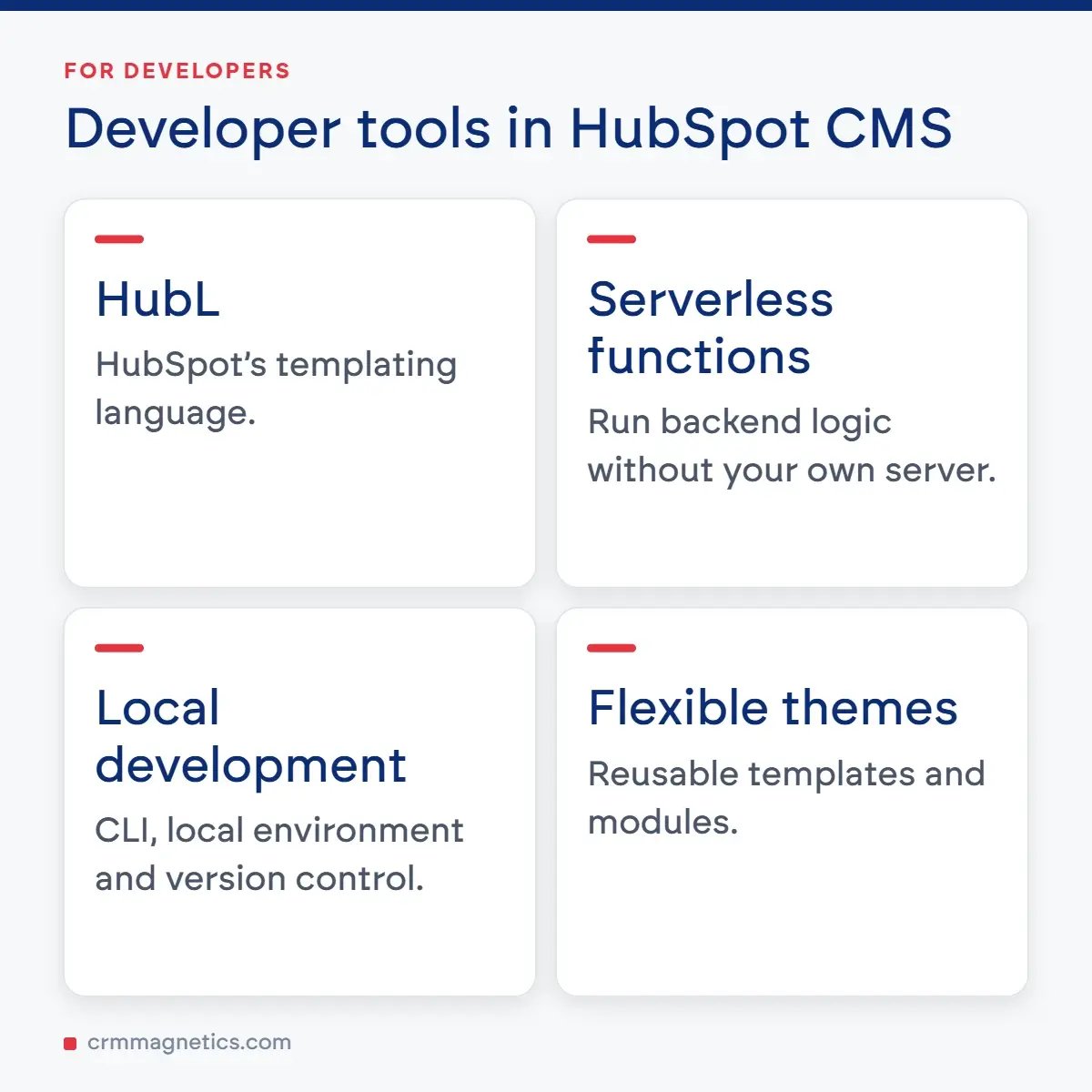
Serverless Functions and Developer Tools
While HubSpotCMS is friendly to marketers, it also provides robust tools for developers. The platform supports HubL (HubSpot's templating language), serverless functions, a local development environment, version control, and a flexible theme system. Developers can build custom modules, integrate external APIs, and create dynamic web applications—all within the HubSpot ecosystem.
Security and Reliability
Security is a core pillar of HubSpotCMS. The platform includes a built-in content delivery network (CDN), web application firewall (WAF), standard SSL certificates, and 24/7 threat monitoring. Because HubSpot manages the infrastructure, customers benefit from enterprise-grade security without needing a dedicated DevOps team.
HubSpotCMS Editions and Pricing Tiers
HubSpotCMS, now part of Content Hub, is available in several tiers to accommodate businesses of different sizes and needs. The table below summarizes the typical editions, their core capabilities, and ideal use cases. Pricing changes periodically, so the figures below are approximate and intended to illustrate relative positioning rather than exact current rates.
|
Edition |
Approx. Monthly Price |
Best For |
Key Features |
Page Limit |
|
Free Tools |
$0 |
Startups & testing |
Basic pages, forms, limited CMS |
Limited |
|
Starter |
~$25 |
Small businesses |
Drag-and-drop editor, SSL, premium hosting |
Standard |
|
Professional |
~$500 |
Growing teams |
Smart content, A/B testing, SEO tools |
Expanded |
|
Enterprise |
~$1,500 |
Large organizations |
Adaptive testing, memberships, custom objects |
High volume |
|
Agency / Partner |
Custom |
Agencies & resellers |
Multi-client management, sandbox accounts |
Scalable |
As shown above, HubSpotCMS scales from free entry-level tools all the way to enterprise-grade deployments. Many businesses begin with the Starter or Professional tier and upgrade as their content operations and personalization needs grow. It is also common to bundle Content Hub with HubSpot's Marketing Hub, Sales Hub, and Service Hub for a fully unified platform.
HubSpotCMS vs. WordPress: A Practical Comparison
One of the most common questions businesses ask is how HubSpotCMS compares to WordPress, the world's most popular content management system. Both platforms are capable, but they serve different priorities. WordPress is open-source, highly customizable, and inexpensive to start, but it requires separate hosting, security management, and a patchwork of plugins for marketing features. HubSpotCMS is an all-in-one managed platform that trades some flexibility for simplicity, security, and native CRM integration.
For organizations that already rely on HubSpot for marketing and sales, HubSpotCMS offers a seamless experience where website data flows directly into the CRM. For organizations that need maximum customization on a tight budget and have technical resources to manage infrastructure, WordPress may remain attractive. The right choice depends on your team's priorities, technical capacity, and long-term growth strategy.
Benefits of Using HubSpotCMS
Adopting HubSpotCMS delivers several strategic advantages. First, the unified data model means that marketing, sales, and service teams all work from the same source of truth. There is no need to sync data between disconnected tools, which reduces errors and saves time. Second, the platform's automation capabilities allow teams to nurture leads, trigger workflows, and deliver personalized experiences at scale. Third, the managed infrastructure removes the operational burden of hosting and security, freeing teams to focus on growth rather than maintenance.
Additional benefits include faster time-to-launch for new campaigns, robust analytics that tie website activity directly to revenue, and a large ecosystem of integrations, templates, and partner agencies. Together, these advantages make HubSpotCMS especially appealing to marketing-led organizations that value efficiency and data-driven decision-making.
Common Challenges and How to Overcome Them
No platform is perfect, and HubSpotCMS does present some challenges worth considering. The most frequently cited concern is cost. Higher tiers can be significantly more expensive than self-hosted alternatives, which may deter smaller businesses. The solution is to start with a lower tier and scale up only when the additional features justify the investment.
Another challenge is the learning curve for developers who are accustomed to traditional stacks. HubL and the HubSpot development workflow differ from conventional environments. However, HubSpot provides extensive documentation, an active developer community, and a local CLI that smooths the transition. Finally, some organizations worry about platform lock-in. While migrating away from any CMS requires effort, exporting content and data from HubSpot is supported, and the trade-off is often worthwhile given the integrated benefits.

Best Practices for Getting the Most Out of HubSpotCMS
To maximize the value of HubSpotCMS, organizations should invest in a clear content strategy before building pages. Define your buyer personas, map the customer journey, and structure your site around topic clusters to strengthen SEO. Take full advantage of smart content to personalize experiences, and use the built-in analytics to continually refine your messaging.
On the technical side, establish a reusable theme and modular components so that marketers can build new pages quickly and consistently. Keep your CRM data clean and well-segmented, since the power of HubSpotCMS personalization depends on accurate contact information. Finally, train your team thoroughly—when both marketers and developers understand the platform, you unlock its full potential.
Need Expert Help with Your CRM?
Setting up and optimizing a CRM-connected CMS like HubSpotCMS can be complex, and the right guidance makes all the difference. If you want professional support implementing, customizing, or scaling your CRM and marketing automation, the team at CRM Magnetics can help. From initial strategy and platform configuration to data migration, integrations, and ongoing optimization, CRM Magnetics offers expert services to ensure your CRM works seamlessly with your website. Reach out to https://crmmagnetics.com/ to streamline your customer relationship management and get more value from your HubSpotCMS investment.
Conclusion
HubSpotCMS represents a modern, integrated approach to building and managing websites. By uniting content management with CRM, automation, and analytics, it empowers marketing-driven organizations to deliver personalized experiences, capture and nurture leads, and make data-informed decisions—all within a single, secure, fully managed platform. While it may not be the cheapest option, the efficiency, security, and unified data it provides make it a compelling choice for businesses focused on growth. By understanding its features, weighing its trade-offs, and following best practices, you can determine whether HubSpotCMS is the right foundation for your digital presence.
Frequently Asked Questions (FAQ)
Q1: What is HubSpotCMS used for?
A: HubSpotCMS is used to build, manage, and optimize websites, landing pages, and blogs that are natively connected to the HubSpot CRM. It is especially popular among marketing teams that want personalization, lead capture, and analytics integrated into their website.
Q2: Is HubSpotCMS suitable for small businesses?
A: Yes. HubSpotCMS offers free tools and a Starter tier that are affordable for small businesses. As the business grows, it can upgrade to Professional or Enterprise tiers for advanced features like smart content and adaptive testing.
Q3: Do I need coding skills to use HubSpotCMS?
A: No coding is required for most tasks thanks to the drag-and-drop editor. However, developers can use HubL, serverless functions, and custom modules to extend the platform when advanced functionality is needed.
Q4: How is HubSpotCMS different from WordPress?
A: HubSpotCMS is a fully managed, all-in-one platform with native CRM integration, hosting, and security included. WordPress is open-source and highly customizable but requires separate hosting, security management, and plugins to add marketing features.
Q5: Does HubSpotCMS include hosting and security?
A: Yes. HubSpotCMS includes premium hosting, a global CDN, SSL certificates, a web application firewall, and 24/7 security monitoring, all managed by HubSpot.
Q6 : Can I migrate my existing website to HubSpotCMS?
A: Yes. Content and data can be migrated to HubSpotCMS, though the process requires planning. Many businesses work with HubSpot partner agencies to ensure a smooth migration.
Leave your thought here
Your email address will not be published. Required fields are marked *