


- February 11 2026
- Nikias Kray
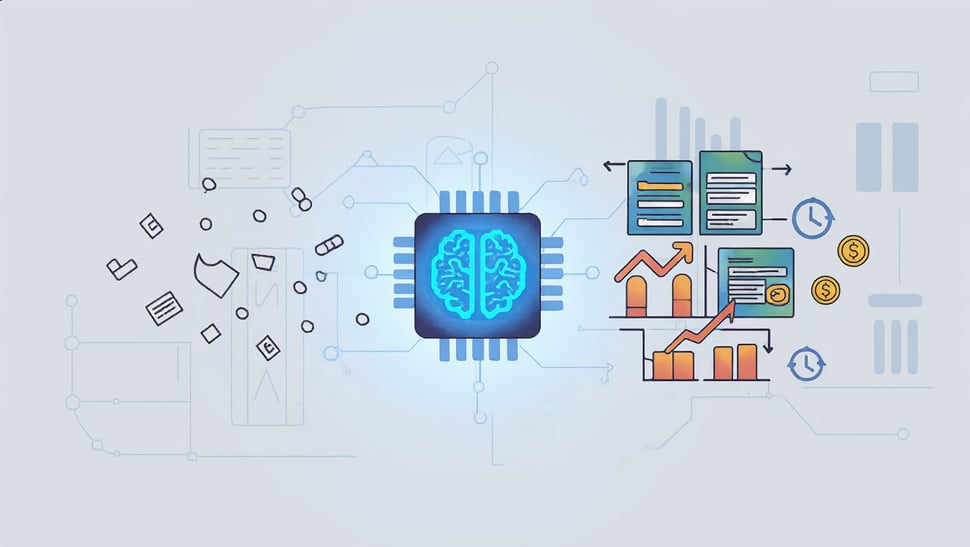
The year is 2026. The "AI hype cycle" of the early 2020s has settled into a robust operational reality. We are no longer impressed simply because a computer can write a poem or summarize an email. In the world of Customer Relationship Management (CRM), the novelty has worn off, replaced by a ruthless demand for utility, speed, and measurable ROI.
For revenue teams, the shift has been fundamental. We have moved from the era of the Copilot where an AI assistant sat passively waiting for a prompt to the era of the "Agent." These autonomous digital workers do not just assist; they act. They plan, execute, and adapt workflows with minimal human intervention, fundamentally changing how businesses market, sell, and support their customers.
This article explores the practical, high-impact use cases for ai crm 2026, detailing how forward-thinking companies are leveraging these tools to save thousands of hours and drastically increase conversion rates.
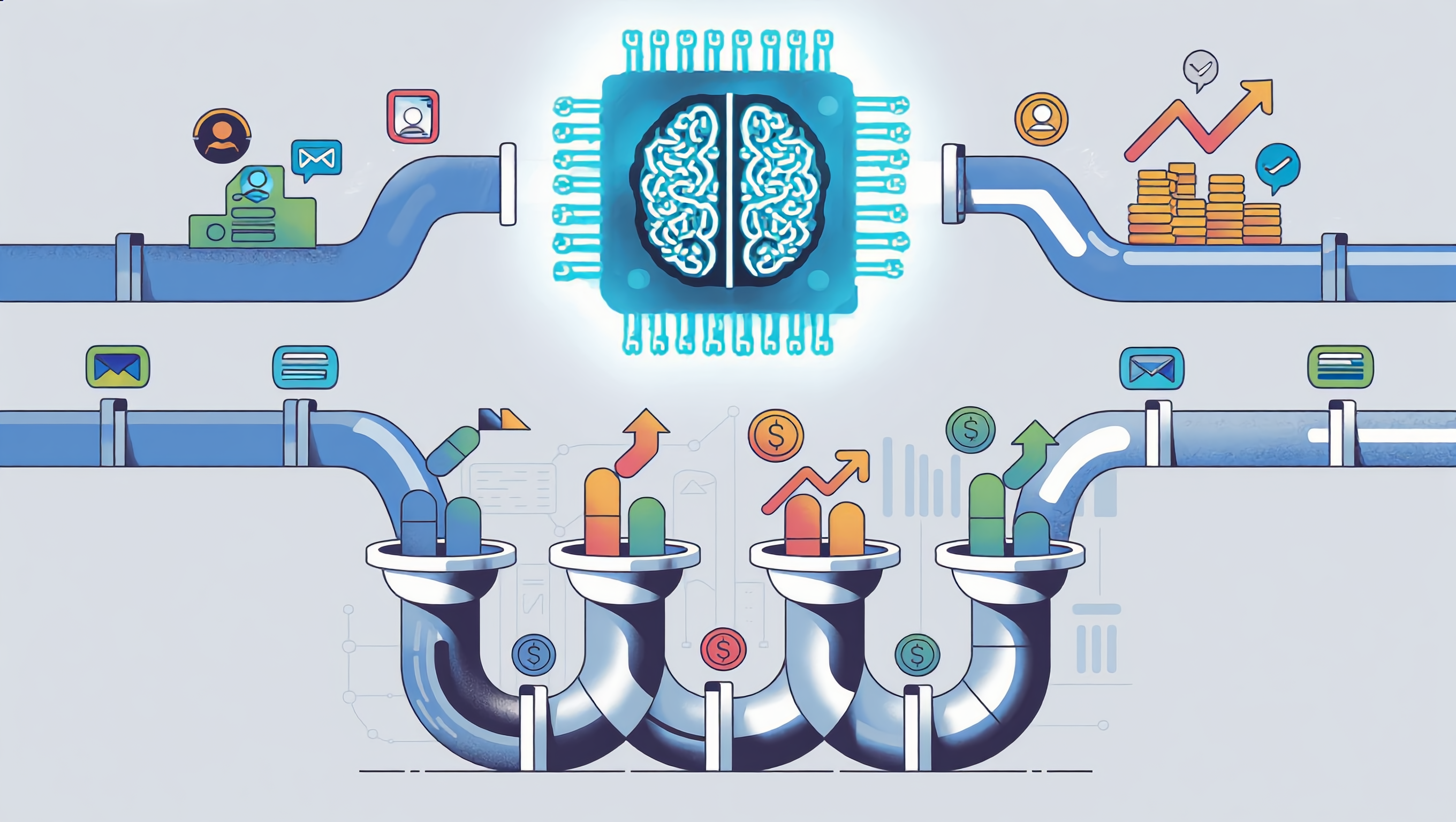
The Shift: From "Chatbots" to "Agentic Workflows"
To understand the practical use cases of 2026, one must first understand the technological leap. In 2024, you might have asked a CRM AI to "draft an email to this prospect." In 2026, you assign an AI agent a goal: "Nurture this segment of cold leads until they are ready to book a demo."
The AI then autonomously:
- Analyzes the prospect's recent activity (LinkedIn posts, company news, website visits).
- Selects the appropriate content asset.
- Drafts a hyper-personalized message.
- Sends it at the optimal time.
- Reads the reply.
- If the reply is positive, it books the meeting. If it’s an objection, it handles it or escalates to a human.
This is "Agentic AI." It is not just generating text; it is executing a multi-step business process. This capability is at the core of the modern HubSpot AI ecosystem and other leading platforms, transforming the CRM from a database of record into a system of action.
Use Case 1: The Self-Healing CRM (Data Hygiene)
For decades, the Achilles' heel of every CRM implementation was data integrity. Sales reps hated entering data, leading to incomplete records, duplicates, and "dirty" data that made accurate forecasting impossible.
How it works:
AI agents constantly monitor the "health" of the CRM data. They cross-reference internal records with the vast ocean of public data (LinkedIn, corporate registries, news sites) and private interaction data (emails, calls, Slack messages).
Practical Application:
Imagine a sales rep, Sarah, is working a deal with "Acme Corp." The champion she was talking to, John, leaves the company. In the past, Sarah might not find out for weeks, sending emails into a void.
In 2026, the CRM AI detects John’s job change on social media. It immediately:
-
Updates John’s contact record to "No longer at company."
-
Flags the opportunity as "At Risk."
-
Scans Acme Corp for a replacement contact with a similar job title.
-
Drafts an introduction email to the new contact for Sarah to review.
-
Alerts Sarah via Slack/Teams with a summary of the situation.
The Result:
Revenue Operations (RevOps) teams no longer spend their Fridays cleaning spreadsheets. The CRM heals itself, ensuring that every marketing campaign and sales forecast is based on reality, not decay.Use Case 2: Hyper-Personalization at Scale (The "Segment of One")
In 2026, that is considered spam. True personalization now involves dynamically generating unique content for every single prospect.
HubSpot AI and similar engines have evolved to understand "Brand Voice" and "Prospect Context" deeply.
How it works:
Marketing teams upload their core assets—whitepapers, case studies, product one-pagers—into the AI's knowledge base. When a lead comes in, the AI analyzes the lead's industry, role, and pain points (inferred from their browsing behavior).
Practical Application:
A manufacturing lead visits your pricing page but bounces. The ai crm 2026 workflow triggers. Instead of sending a generic "Did you have questions?" email, the AI:
-
Generates a custom PDF one-pager that highlights the specific product features relevant to the manufacturing industry.
-
Rewrites the case study of a similar manufacturing client to emphasize the ROI metrics that matter to a CFO (since the lead is a Finance Director).
-
Records a 30-second synthetic video (using the avatar of the assigned sales rep) walking through the pricing model.
-
Bundles this into a "Digital Sales Room" and emails the link.
The Result:
Conversion rates on nurture sequences skyrocket because the content is 100% relevant to the recipient. The marketing team creates the core assets, but the AI handles the contextualization for thousands of leads simultaneously.
Use Case 3: The "Buying Agent" Counter-Strategy
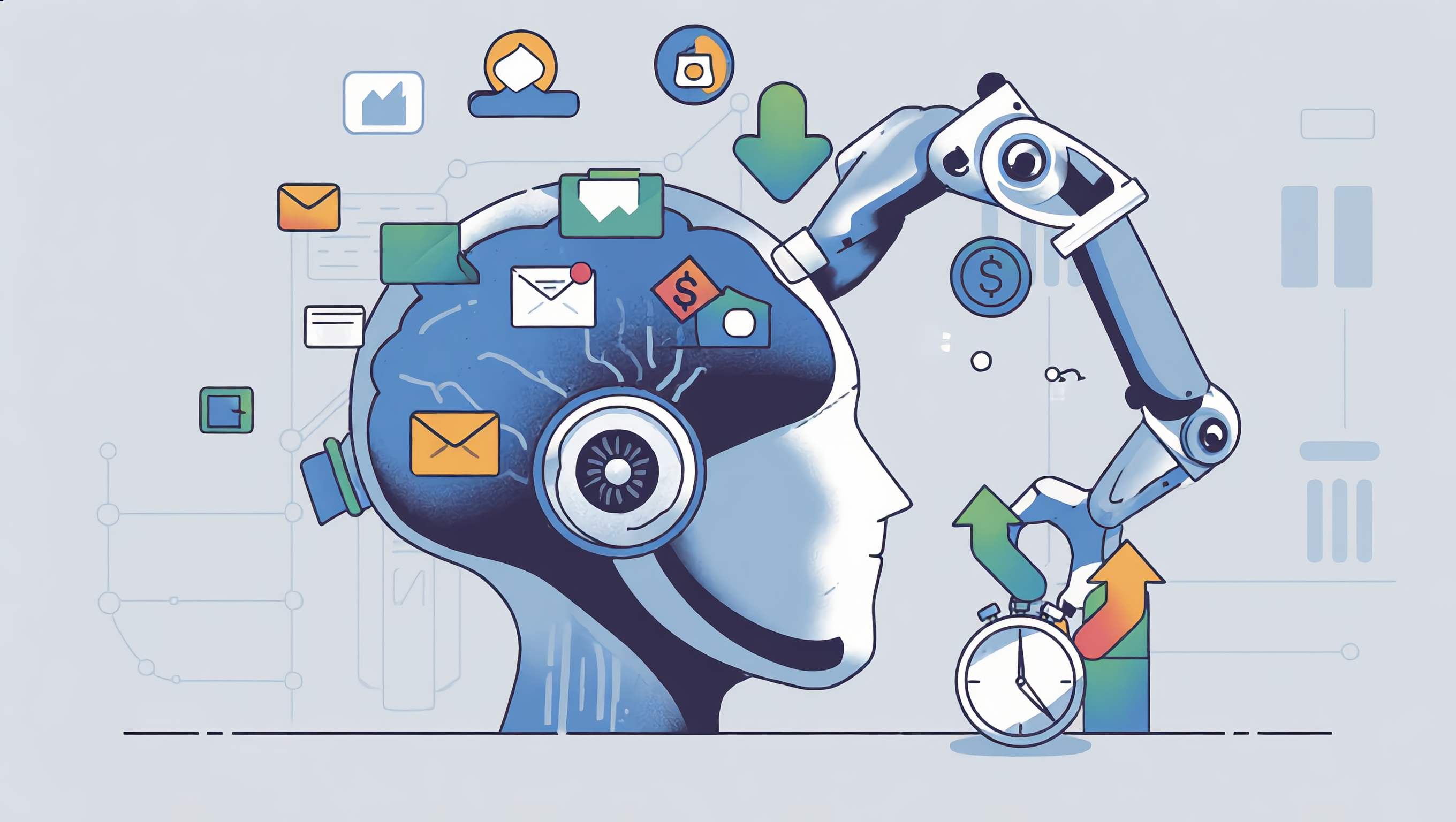
A fascinating trend in 2026 is that buyers are also using AI. Procurement teams now deploy "Buying Agents" to scan the market, gather pricing, and compare feature sets without ever talking to a human sales rep.
If your CRM is not optimized for this, you lose the deal before you know it exists.
How it works:
Your CRM must be able to detect and interact with non-human visitors. This is "Machine-to-Machine" (M2M) selling.
Practical Application:
A Buying Agent from a Fortune 500 company scrapes your website. It is looking for specific security compliance (SOC2, GDPR) and API latency specs.
-
Old Way: The bot hits a "Contact Sales" gate and leaves.
-
2026 Way: Your CRM recognizes the bot's signature. It dynamically serves a structured data packet (JSON-LD) containing exactly the technical specs the Buying Agent is looking for, along with a pre-approved discount tier for enterprise volume. It effectively "pitches" the bot in the language the bot understands.
The Result:
You make the "shortlist" generated by the Buying Agent for the human decision-maker.
Use Case 4: Predictive Forecasting and "Deal Health" 2.0
Forecasting used to be a game of "gut feeling." Sales managers would ask reps, "Do you think this will close?" and reps would say "Yes" to avoid scrutiny.
In 2026, HubSpot AI and other advanced analytics engines ignore what the rep says and look at what is happening.
How it works:
The AI analyzes thousands of data points: email sentiment, speed of reply, number of stakeholders involved, legal document redlines, and even the tone of voice in recorded Zoom calls.
Practical Application:
A rep commits a $50k deal for the end of the quarter. The AI flags it as "Unlikely to Close."
-
Why? The AI noticed that the CFO (the economic buyer) hasn't opened the last three emails, and the legal team has introduced 15 new clauses in the contract that historically take 21 days to resolve.
-
The Intervention: The AI suggests a specific "Executive Alignment" play, drafting a ghostwritten email for your CEO to send to their CEO to unblock the legal stall.
The Result:
Forecast accuracy hits 95%+. Boards and investors regain confidence in revenue projections, and sales managers stop wasting time coaching deals that are already dead.
.png?width=2720&height=1536&name=kling_20260210_IMAGE____________5033_0%20(1).png)
Use Case 5: Automated Service Triage and Resolution
Customer Service in 2026 is a tiered ecosystem. Tier 1 support is almost entirely AI-driven, but it is indistinguishable from human support for 80% of queries.
How it works:
When a ticket comes in, the AI doesn't just search a knowledge base. It accesses the customer's entire history in the CRM—what they bought, when they last complained, their usage data, and their renewal date.
Practical Application:
A customer submits a ticket: "I can't export my report."
The AI checks the logs and sees the customer is on a "Basic" plan which has an export limit, and they just hit it.
-
The AI Response: "Hi Dave, I see you're trying to export the Q3 report. It looks like you've hit the 500-row limit on the Basic plan. I can unlock a one-time courtesy export for you right now if you need this urgently. Alternatively, since your renewal is in 30 days, I can upgrade you to Pro today with a 10% discount which removes this limit forever. Would you like me to process the upgrade?"
The Result:
Support becomes a revenue channel. The problem is solved instantly (courtesy unlock), and an upsell opportunity is contextualized perfectly.
Use Case 6: Voice AI and the "Always-On" SDR
While text is dominant, Voice AI has matured significantly. In 2026, inbound leads who request a call are contacted within seconds—not by a human, but by a Voice AI agent indistinguishable from a human SDR.
How it works:
The Voice AI is trained on the company's best sales calls. It can handle objections, qualify budget/authority/need/timing (BANT), and book meetings for human Account Executives (AEs).
Practical Application:
A lead fills out a form at 2:00 AM on a Saturday.
-
The AI Action: The Voice AI calls the lead immediately (if they opted in for instant contact). "Hey, this is Alex from TechSolutions. I saw you just downloaded our security whitepaper. Did you have a specific project in mind, or are you just doing research?"
-
The AI qualifies the lead. If the lead is hot, it books a slot on the human AE's calendar for Monday morning.
The Result:
"Speed to Lead" becomes instantaneous, 24/7/365. Human SDRs are elevated to "SDR Managers" who oversee the AI agents, tweaking their scripts and strategy rather than making cold calls themselves.
Conclusion: The Human Element in 2026
With all this automation, one might ask: What is left for the humans?
The answer is Strategy, Empathy, and Complex Negotiation.
In the ai crm 2026 landscape, humans are no longer data entry clerks or email blasters. They are architects. They design the workflows the AI executes. They step in when a high-value client is frustrated and needs genuine human empathy. They handle the complex, multi-stakeholder negotiations that require reading the room in a way no algorithm can.
Platforms like HubSpot AI are not replacing the revenue team; they are giving every member of that team a staff of 100 digital interns. The companies that win in 2026 will not be the ones with the best AI, but the ones with the best processes for their AI to execute.
FAQ: AI in CRM for 2026
Q1: What is the main difference between AI Copilots and AI Agents in CRM?
A: AI Copilots are reactive assistants that wait for your prompts and help you complete tasks (like drafting an email). AI Agents are proactive, autonomous workers that execute entire workflows independently. You give an Agent a goal (e.g., "nurture these leads until they book a demo"), and it plans, executes, and adapts the multi-step process without constant human supervision. Agents represent a fundamental shift from assistance to autonomous execution.
Q2: Will AI Agents replace human sales and marketing teams?
A: No. AI Agents handle repetitive, data-intensive, and time-sensitive tasks, freeing humans to focus on strategy, complex negotiations, relationship building, and situations requiring genuine empathy. Think of AI as giving each team member a staff of 100 digital interns. The most successful companies in 2026 are those that best orchestrate the collaboration between human expertise and AI execution, not those that simply have the most advanced AI.
Q3: How does AI maintain data privacy and security when accessing external data sources?
A: Modern AI CRM systems operate within strict compliance frameworks (GDPR, SOC2, CCPA). They use permissioned APIs to access public data (LinkedIn, company registries) and only process internal data that the organization owns. Advanced systems employ data anonymization, encryption at rest and in transit, and role-based access controls. Additionally, AI agents log all actions for audit trails, and sensitive operations (like contract negotiations) can be configured to require human approval before execution.
Q4: What happens when an AI Agent makes a mistake or misunderstands a customer's intent?
A: AI systems in 2026 are designed with escalation protocols. When confidence levels drop below a threshold, or when a customer explicitly requests human assistance, the AI immediately transfers the interaction to a human team member along with full context. Additionally, all AI actions are logged and can be reviewed. Companies typically run AI agents in "shadow mode" first (where AI suggests actions but humans approve) before moving to full autonomy. Continuous learning loops ensure that mistakes are analyzed and used to improve future performance.
Q5: How much does it cost to implement AI Agent workflows in a CRM system?
A: Costs vary significantly based on company size and complexity. For SMBs using platforms like HubSpot AI, basic AI features are often included in mid-tier subscriptions ($800-2,000/month). Enterprise implementations with custom AI agents, voice AI, and advanced integrations can range from $5,000-50,000/month depending on scale and customization. However, ROI is typically realized within 3-6 months through time savings (reducing manual tasks by 60-80%) and increased conversion rates (often 15-40% improvement). The key is starting with high-impact use cases rather than trying to automate everything at once.
Q6: Can AI Agents work with our existing CRM, or do we need to switch platforms?
A: Most modern AI solutions are designed to integrate with existing CRM platforms through APIs. Leading CRMs like HubSpot have native AI capabilities built in. If you're using a legacy or custom CRM, third-party AI platforms can often connect via REST APIs, webhooks, or middleware solutions like Zapier or Make. That said, the deepest integration and most powerful features typically come from using AI-native CRM platforms or those with mature AI ecosystems. A platform assessment is recommended before implementation.
Q7: How long does it take to train AI Agents to understand our specific business processes and brand voice?
A: Initial setup typically takes 2-4 weeks for basic workflows. This includes uploading knowledge bases (product docs, case studies, past successful emails), defining brand voice guidelines, and configuring approval workflows. The AI begins learning immediately, but reaches optimal performance after processing 500-1,000 real interactions (usually 1-3 months). Advanced use cases like voice AI or complex multi-step nurture sequences may take 2-3 months to fully optimize. The key is starting with narrow, high-value use cases and expanding gradually rather than attempting to automate everything simultaneously.
Q8: What metrics should we track to measure the success of AI implementation in our CRM?
A: Focus on these key metrics:
- Time Savings: Hours saved per week on manual tasks (data entry, email drafting, research)
- Conversion Rate Improvement: Percentage increase in lead-to-opportunity and opportunity-to-close rates
- Response Time: Reduction in time to first response (should approach real-time for qualified leads)
- Data Quality Score: Percentage of complete, accurate CRM records (target: 95%+)
- Forecast Accuracy: Variance between predicted and actual revenue (target: <5% variance)
- Customer Satisfaction: CSAT and NPS scores for AI-assisted interactions
- Revenue per Rep: Increase in quota attainment and average deal size
Track these monthly and compare against pre-AI baselines to demonstrate ROI.
Summary Table: Practical Use Cases of AI in CRM (2026)
|
Section / Use Case |
Core Idea |
How It Works (AI Role) |
Business Impact |
| The Shift: Copilots → Agents |
Transition from passive assistants to autonomous digital workers. |
You assign goals (e.g., "nurture leads"); the AI autonomously plans, executes, and adapts multi-step business processes. |
CRM transforms from a static database into a proactive "system of action." |
|
Use Case 1: Self-Healing CRM |
Automated data hygiene and integrity. |
Agents monitor data health, cross-reference public/private sources, and automatically update records or flag at-risk opportunities. |
Eliminates manual cleanup for RevOps; ensures forecasts are based on real-time, accurate data. |
|
Use Case 2: Hyper-Personalization |
Moving beyond templates to the "Segment of One." |
AI analyzes lead behavior and role to generate custom PDFs, rewritten case studies, and synthetic video messages at scale. |
Skyrocketing conversion rates due to 100% relevant content for every individual prospect. |
|
Use Case 3: Buying Agent Strategy |
Machine-to-Machine (M2M) selling. |
CRM detects non-human "Buying Agents," serving them structured data (JSON-LD) and pre-approved technical specs. |
Ensures your company makes the "shortlist" generated by a buyer's AI before a human is involved. |
|
Use Case 4: Predictive Forecasting |
Behavioral-based "Deal Health" analytics. |
AI analyzes sentiment, reply speed, and legal redlines to provide objective close probabilities regardless of rep input. |
Forecast accuracy hits 95%+; allows managers to intervene early with specific "Executive Alignment" plays. |
|
Use Case 5: Automated Service Triage |
Support as a revenue and upsell channel. |
AI accesses full customer history to resolve Tier 1 issues instantly and offers contextual upgrades based on usage data. |
Instant problem resolution (CSAT boost) while identifying perfectly timed expansion opportunities. |
|
Use Case 6: Always-On SDRs |
Instant Voice AI qualification. |
Voice AI agents contact inbound leads within seconds, handle objections, and book meetings 24/7/365. |
"Speed to Lead" becomes instantaneous; human SDRs are elevated to strategic "Agent Managers." |
|
Conclusion: The Human Element |
Humans as architects of AI strategy. |
Humans design the workflows, handle complex negotiations, and provide empathy in high-stakes situations. |
Higher leverage for revenue teams; humans focus on high-value creativity rather than data entry. |
Leave your thought here
Your email address will not be published. Required fields are marked *