First, open Google Tag Manager by visiting:
https://tagmanager.google.com/
If you do not have a GTM account yet, please create one and connect it to your website.

To grant access, click the gear icon in the top-right corner.
The Account Settings window will open. From there, click User Management.
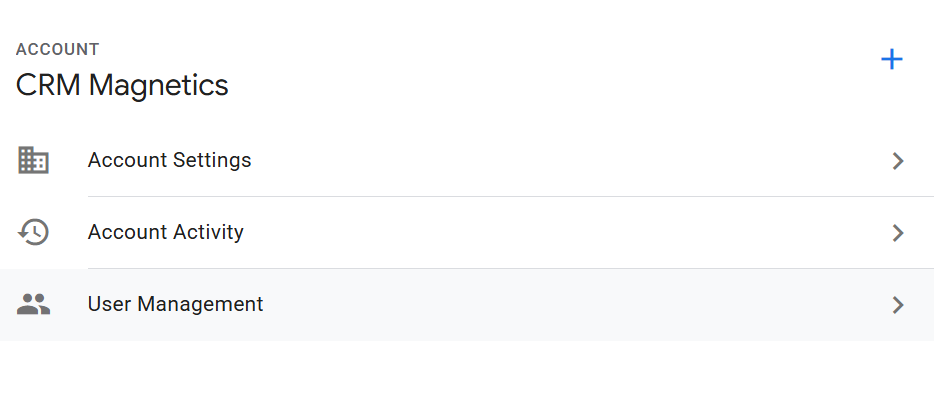
You will see a list of users who currently have access to your account and their permission levels.

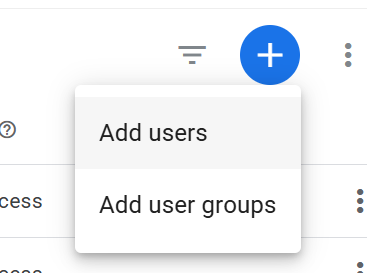
To add a new user, click the blue “+” button in the top-right corner.
In the window that opens, select Add users.
Enter the user’s email address.
In our case, please enter info@crmmagnetics.com
Next, grant full access by checking all permission boxes.
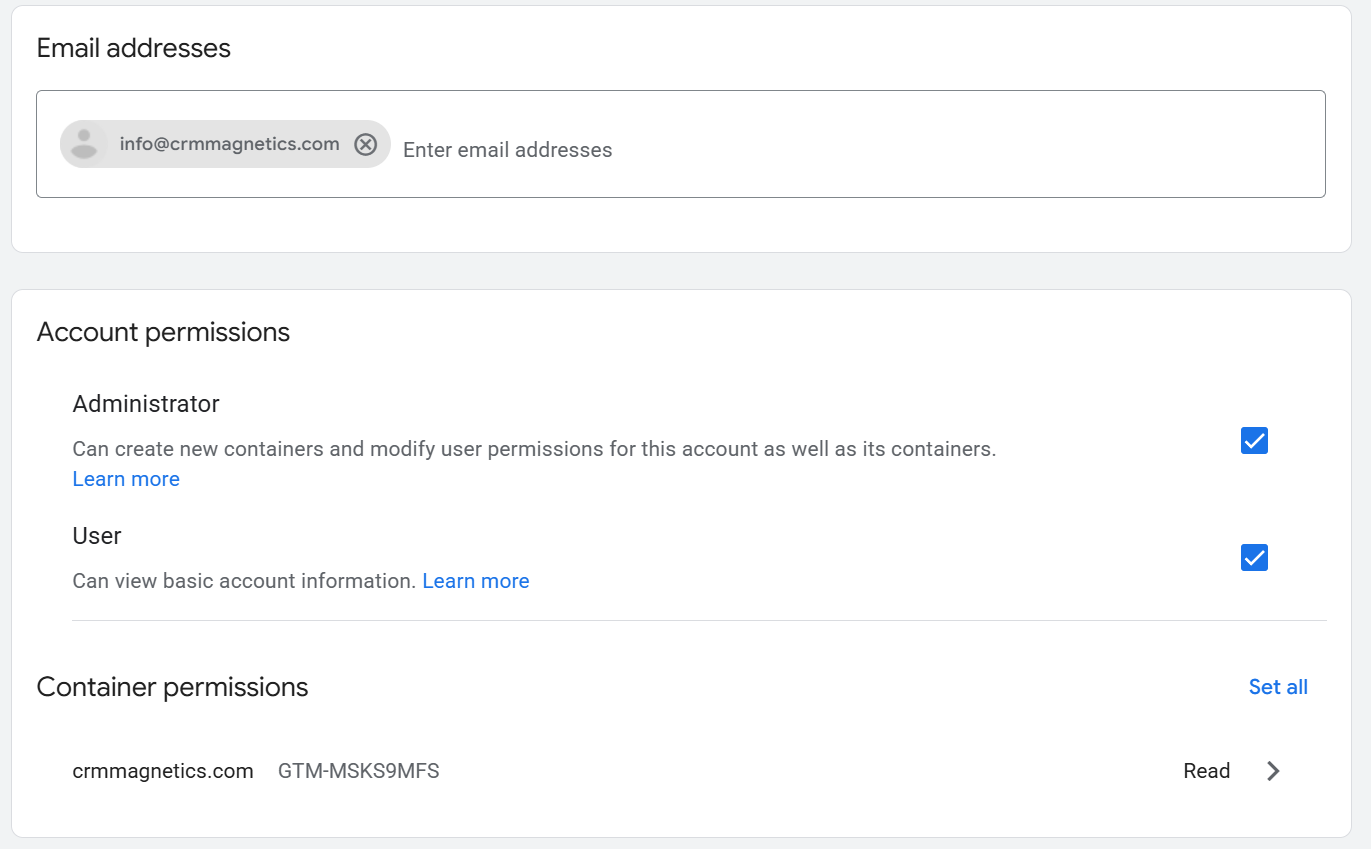
Then scroll down to the Container permissions section, expand it, and select all available permissions as well.
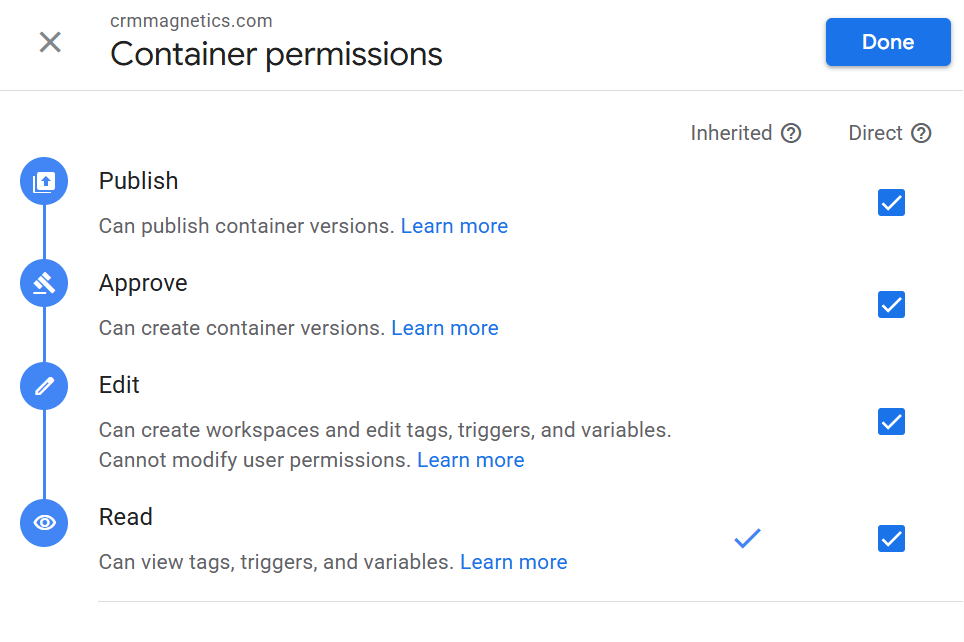
Finally, click Invite in the top-right corner to send the access invitation.