First, open your Google Ads account using the link below.
If you do not have a Google Ads account yet, please create one and connect it to your website.
https://ads.google.com/aw/campaigns
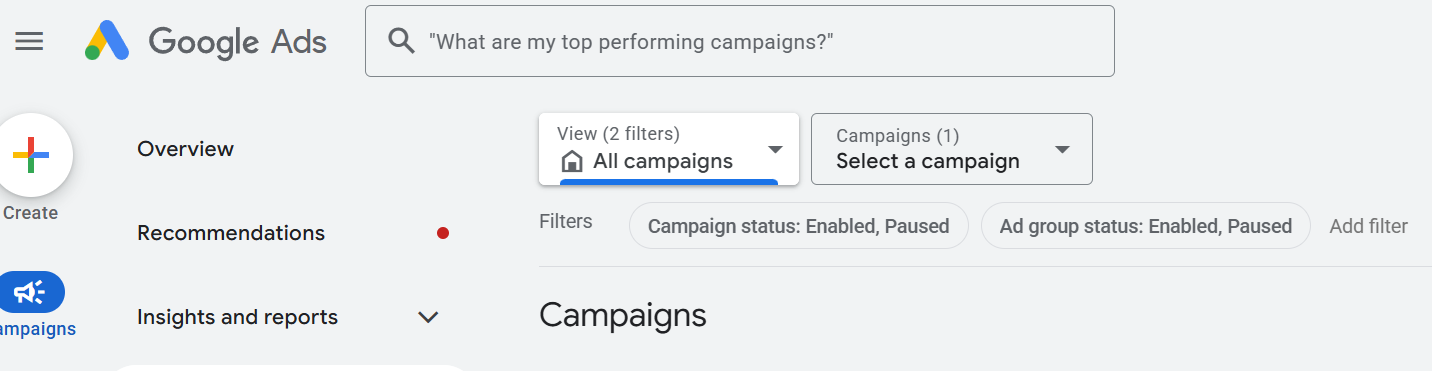
To grant access to an agency, go to the left-hand menu, hover over Admin, and from the dropdown menu select Access and security.
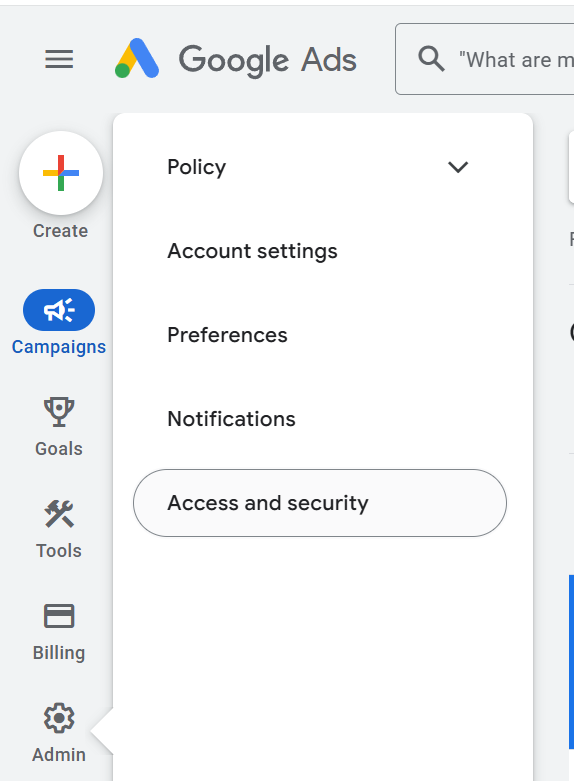
A window will open showing a list of users who currently have access to your account and their permission levels.

To add a new user, click the blue “+” button.
In the window that opens, enter the email address of the user you want to grant access to.
In our case, please enter info@crmmagnetics.com
Select the Admin access level.
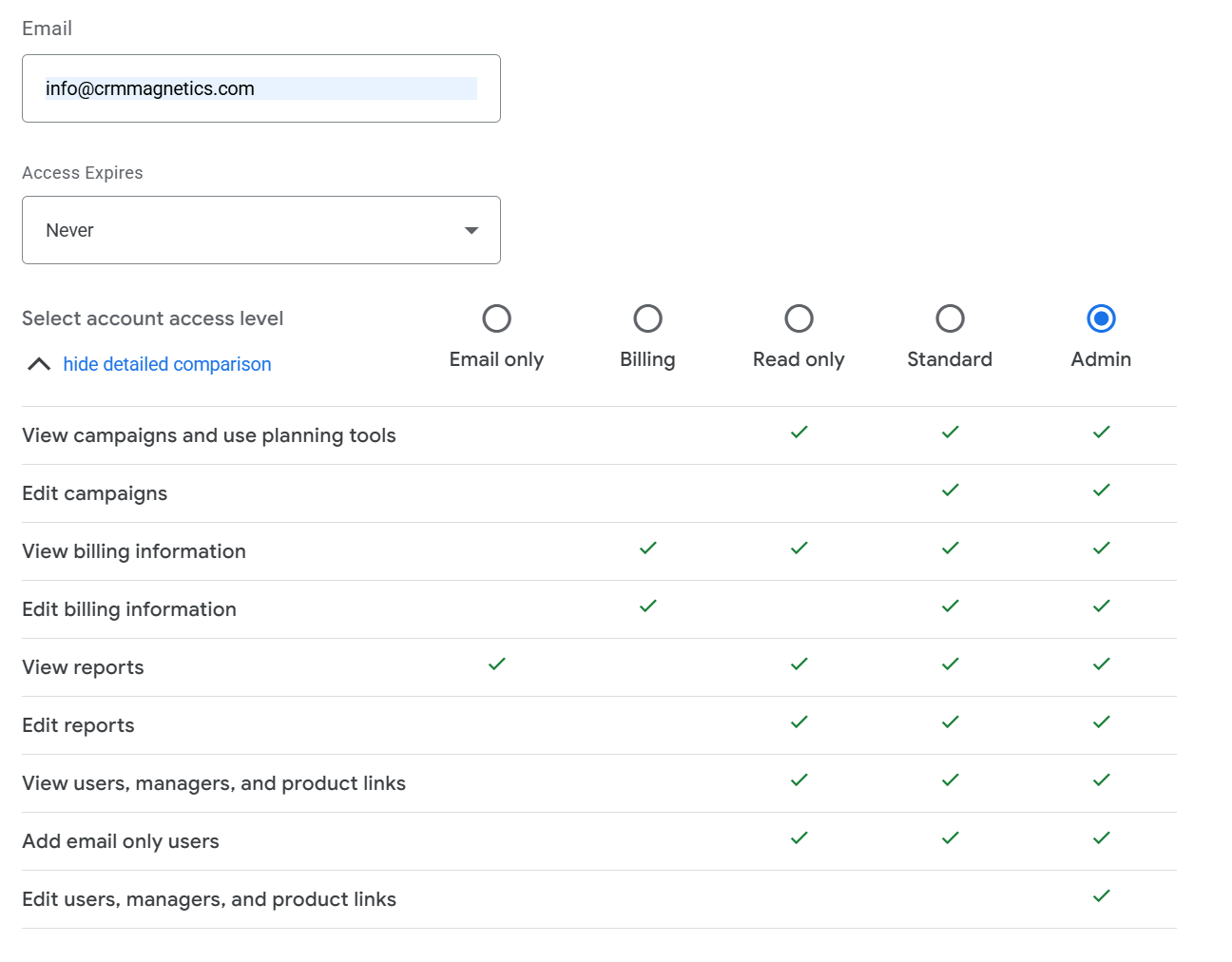
Finally, click Send invitation at the bottom of the form to send the access request.